Task Management
Create task boards, assign work to staff, set priorities, and keep production, design, admin, and sales aligned every day.
Explore moduleManage tasks, track job progress, chat with your team, and access printing tools from one clean workspace built for printing companies.
One connected workflow for tasks, jobs, chat, and daily print tools.




Watch the quick intro video and understand how task management, job tracking, internal chat, and printing tools work together in one ecosystem.
UrusFile is now a complete workflow ecosystem that connects daily task management, job tracking, internal team communication, and printing tools inside one organised platform.
Teams can plan work, track every job movement, discuss issues internally, and access daily printing tools without jumping between too many apps.
UrusFile connects the core workflow for printing companies: task planning, job tracking, internal communication, and printing tools.
Create task boards, assign work to staff, set priorities, and keep production, design, admin, and sales aligned every day.
Explore moduleMonitor every job status from order received, artwork, customer proof, production, QC, packing, delivery, and completed.
Explore moduleAccess Banner, Bunting, T-Shirt Mockup, Sticker Nama, Sticker Bulat, Sticker Petak, e-Kad, and other print-ready tools faster.
Explore toolsDiscuss tasks, job updates, artwork notes, production issues, and team decisions inside the same UrusFile workspace.
Explore moduleCreate job record and assign the right team.
Break work into tasks with owner and deadline.
Move job status through each production stage.
Keep history for reference, report, and follow-up.
Everything is grouped clearly, so your team can manage work, track jobs, chat internally, and access printing tools without opening too many platforms.
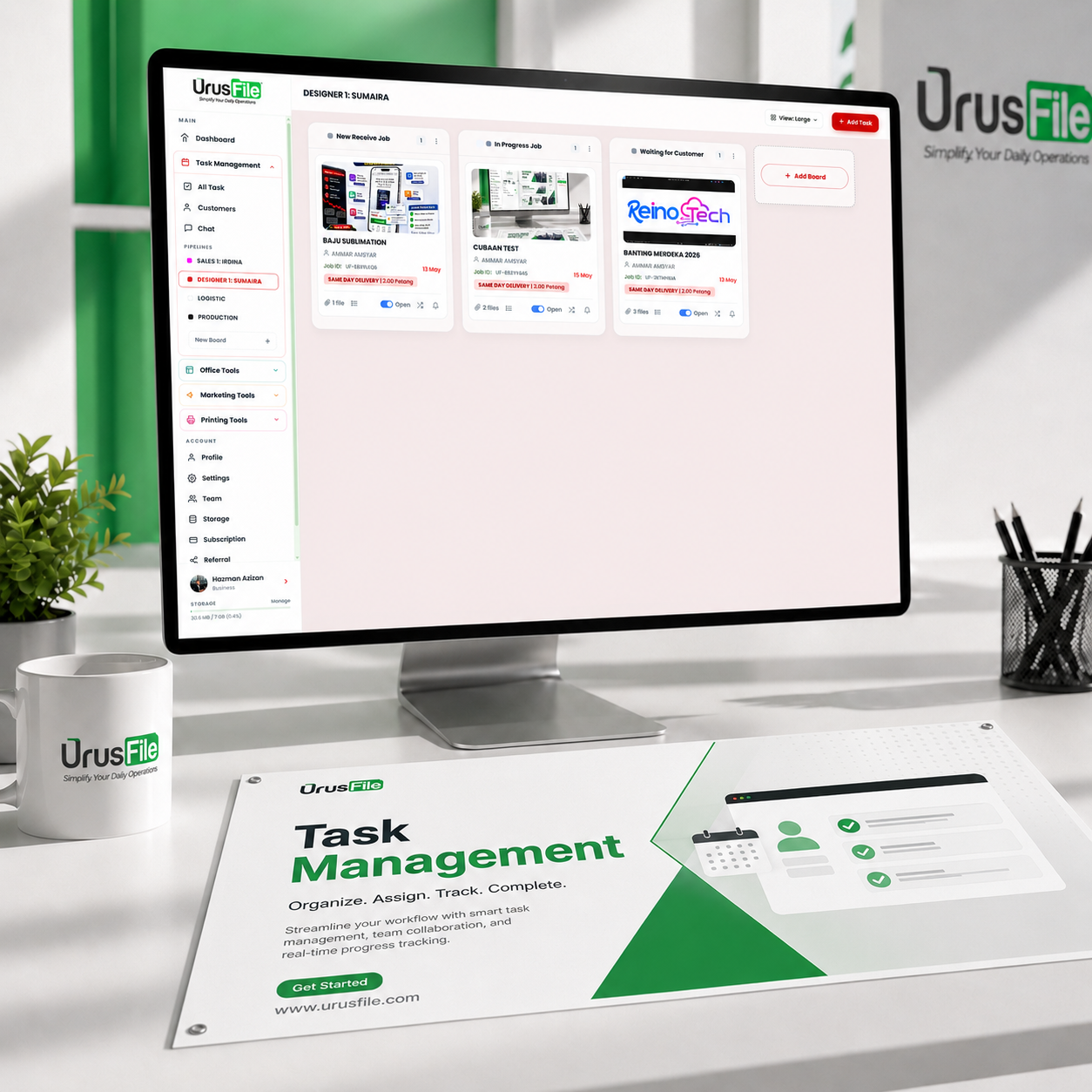
Create task boards, assign staff, set priority, monitor deadlines, and keep all departments moving together.
Core Module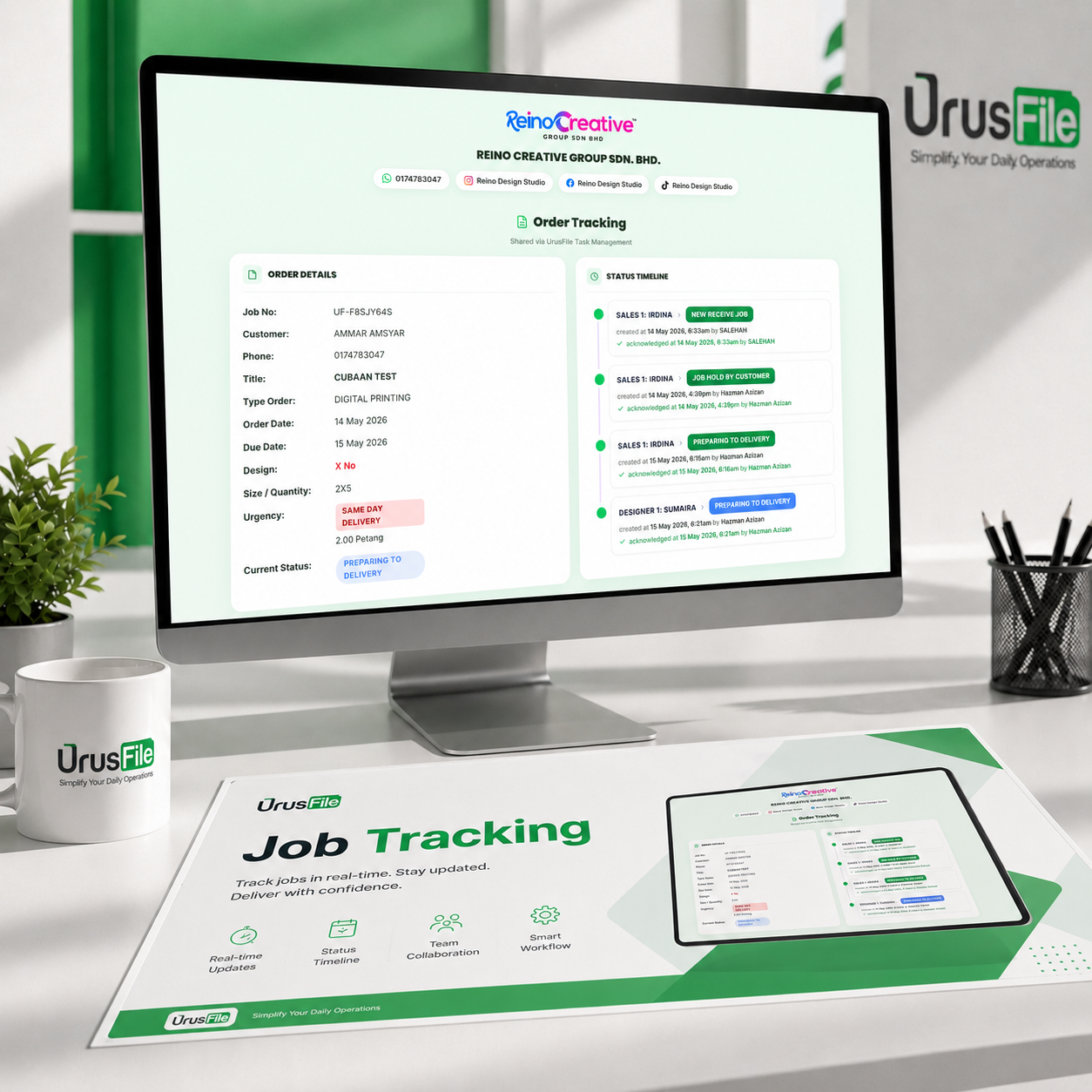
Track every job from order received to artwork, proofing, production, QC, packing, delivery, and completion.
Core Module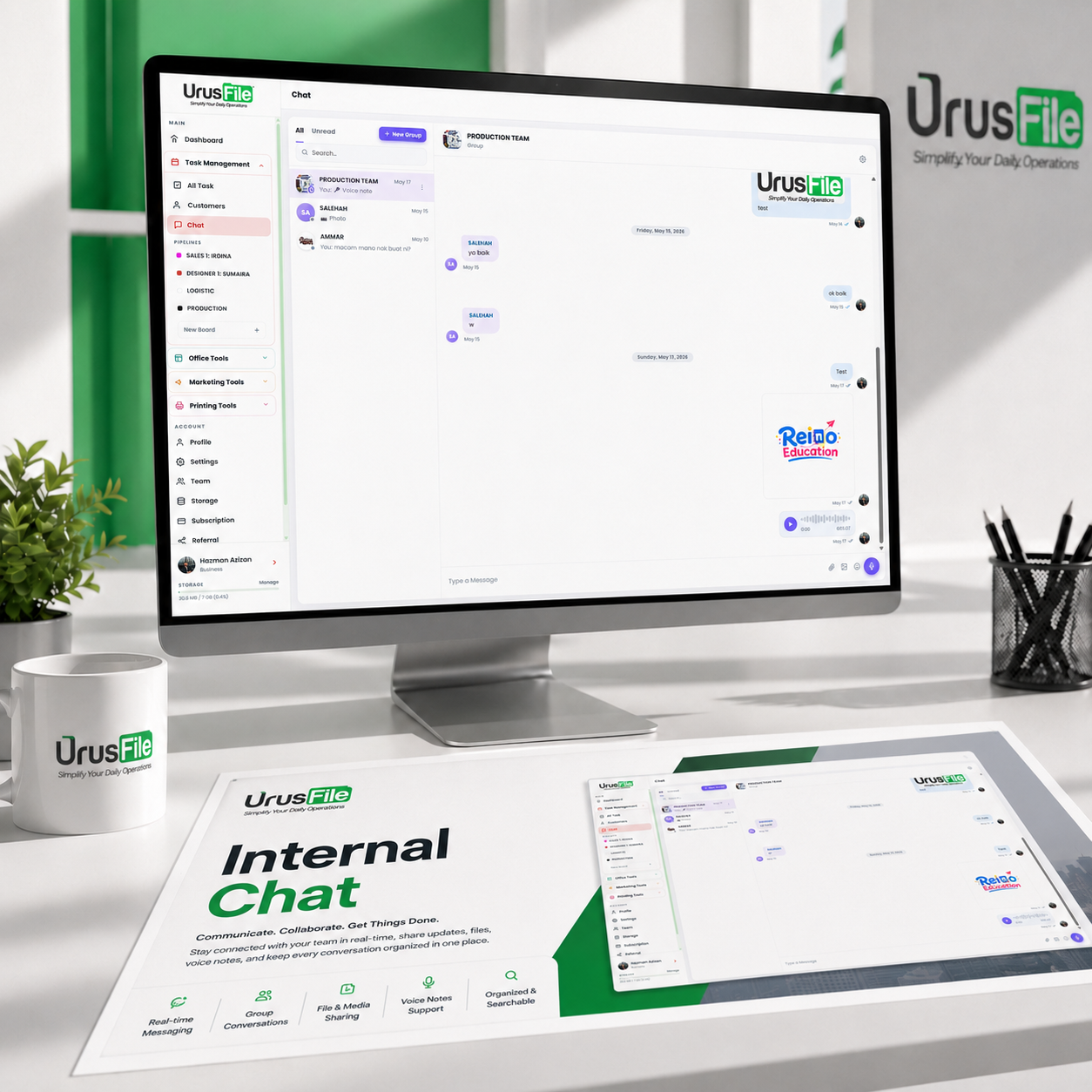
Discuss job updates, artwork notes, production issues, and team decisions inside the same workspace.
Core Module
Create QR codes for websites, forms, menus, labels, and customer links.
Included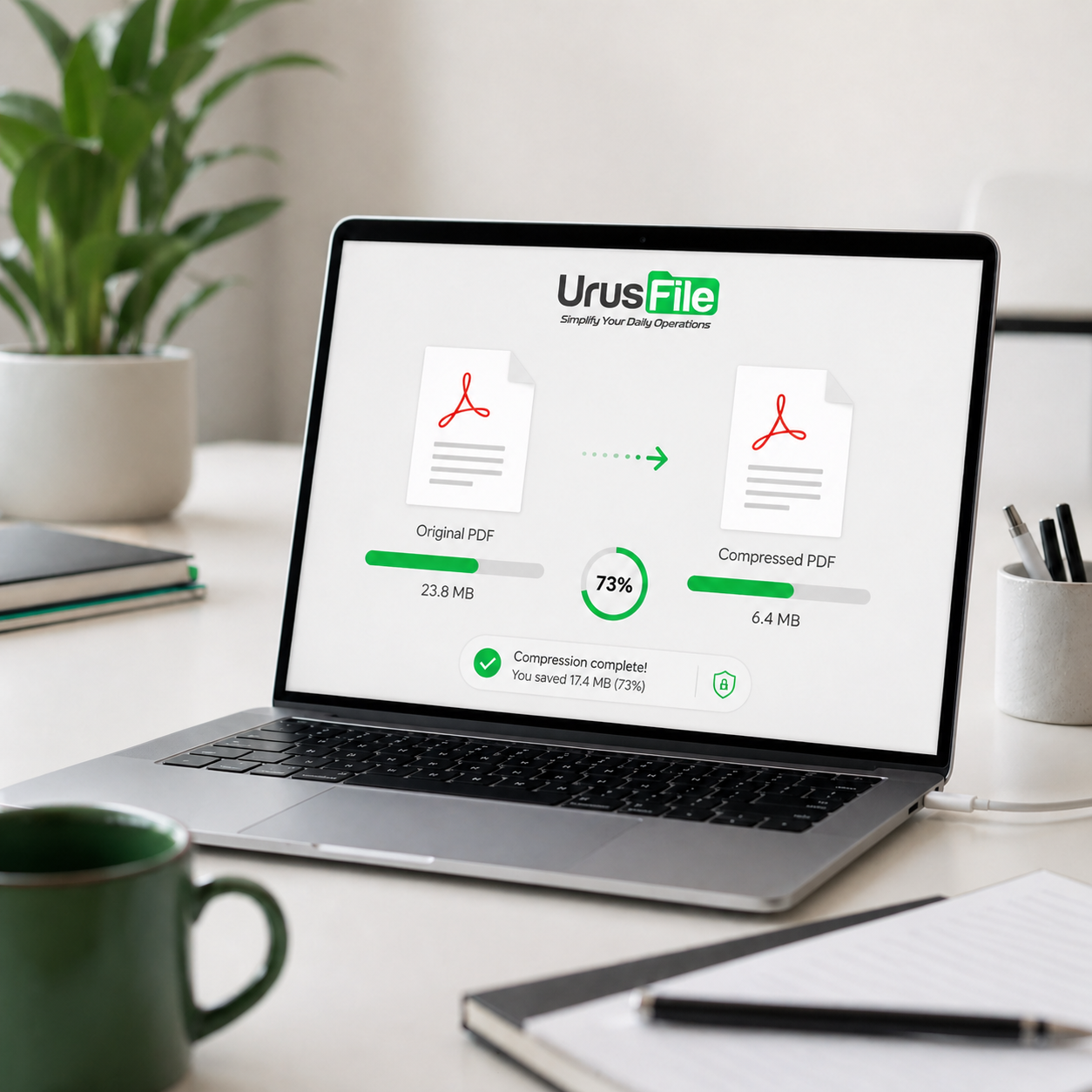
Reduce PDF file size before sending, uploading, or sharing with customers.
Included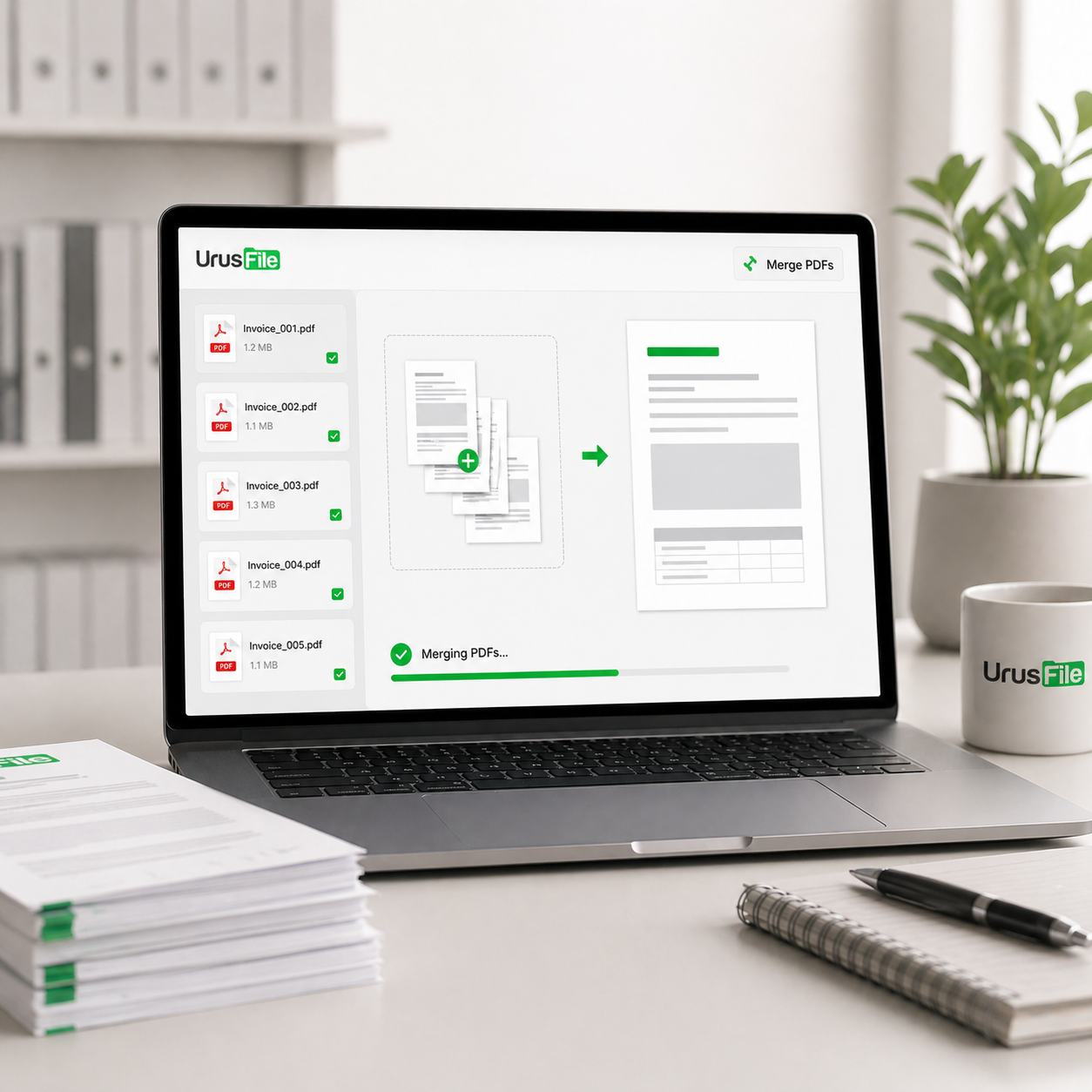
Combine several PDF files into one clean document.
Included
Turn long URLs into short links for customers, campaigns, and QR codes.
Included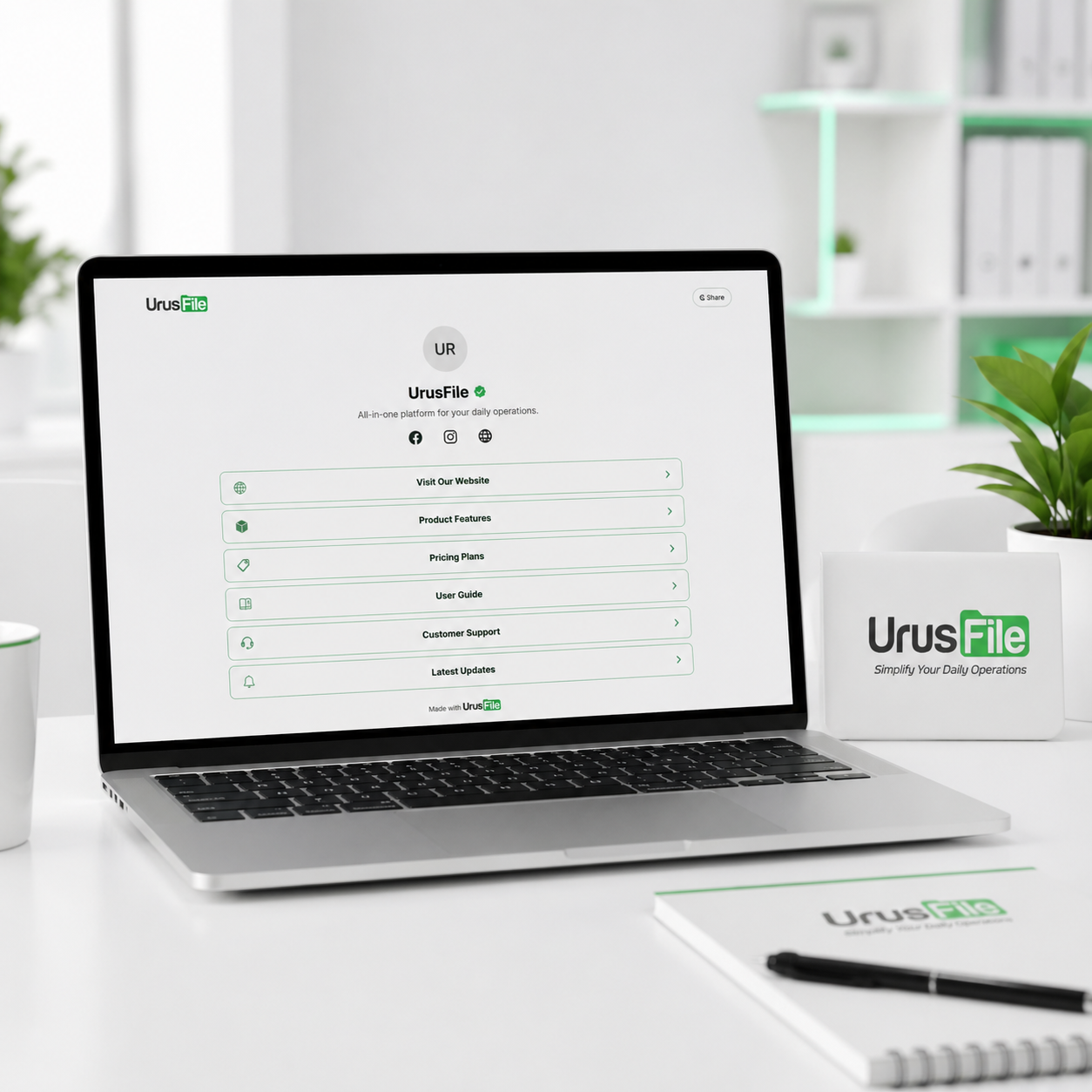
Create your Linktree-style link page.
Included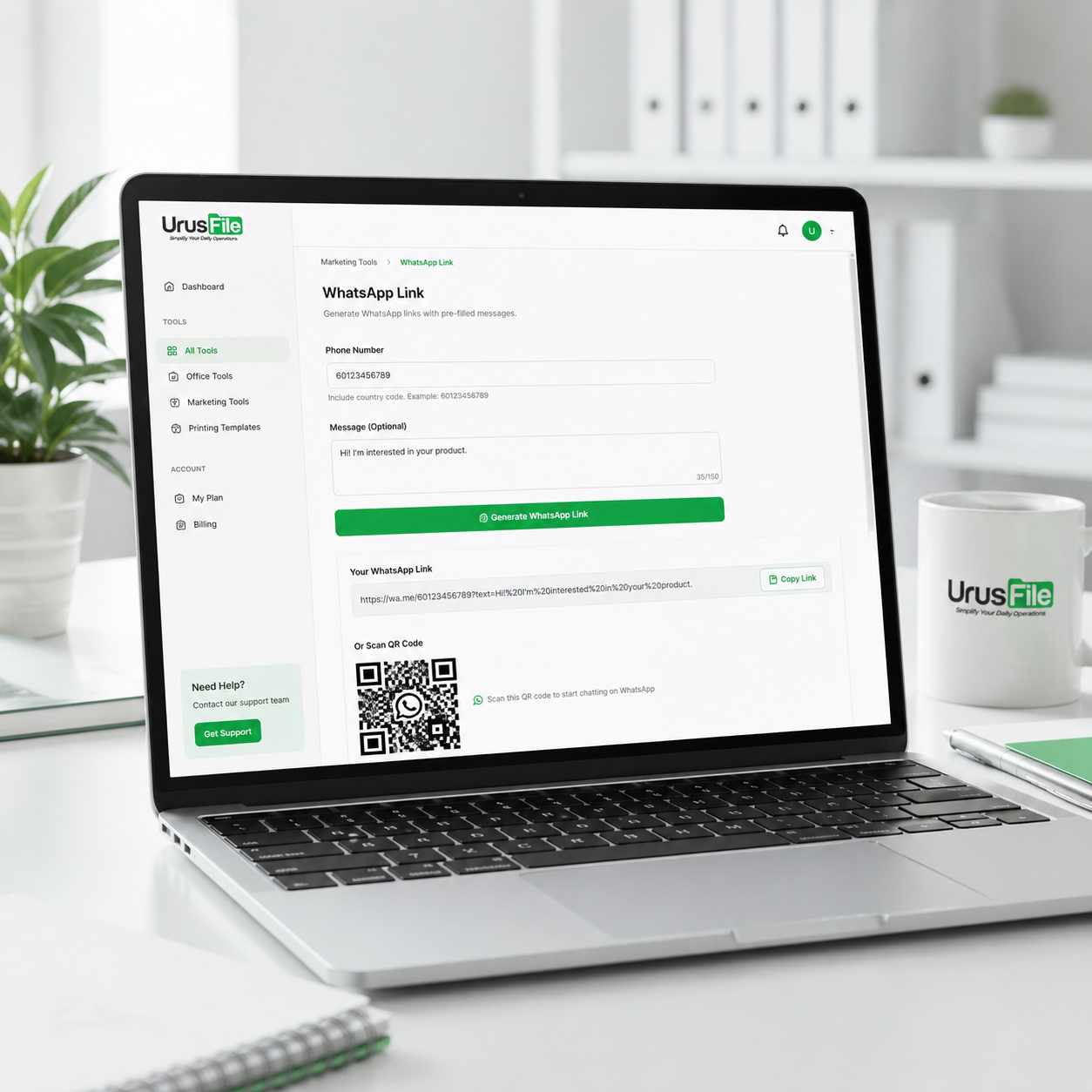
Generate WhatsApp links with pre-filled messages.
Included
Convert PDF catalogues or brochures into online flipbooks.
Included
Create banner templates with size setup and mockup preview.
Included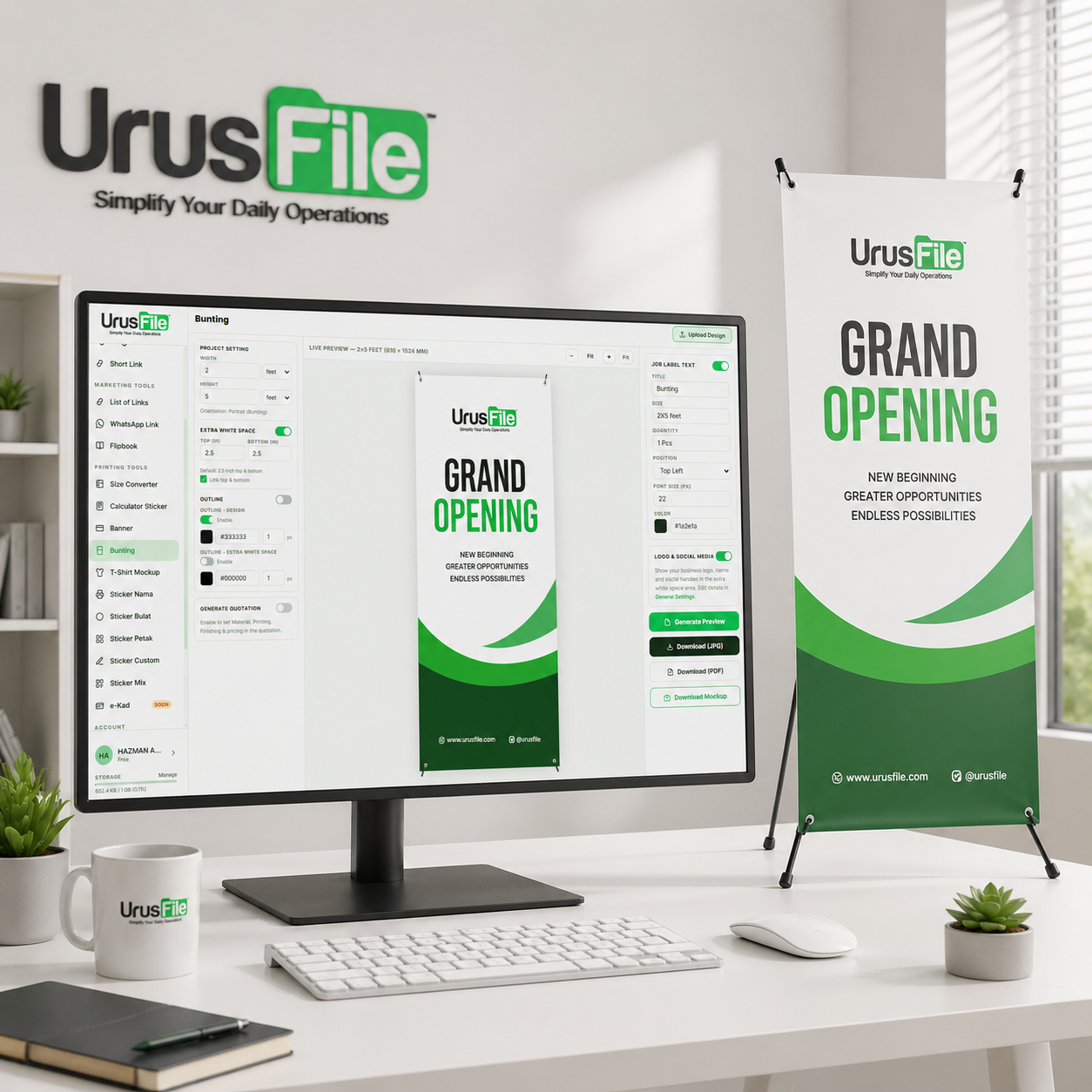
Create bunting templates with size setup and mockup preview.
Included
Create realistic t-shirt mockups for customer approval.
Included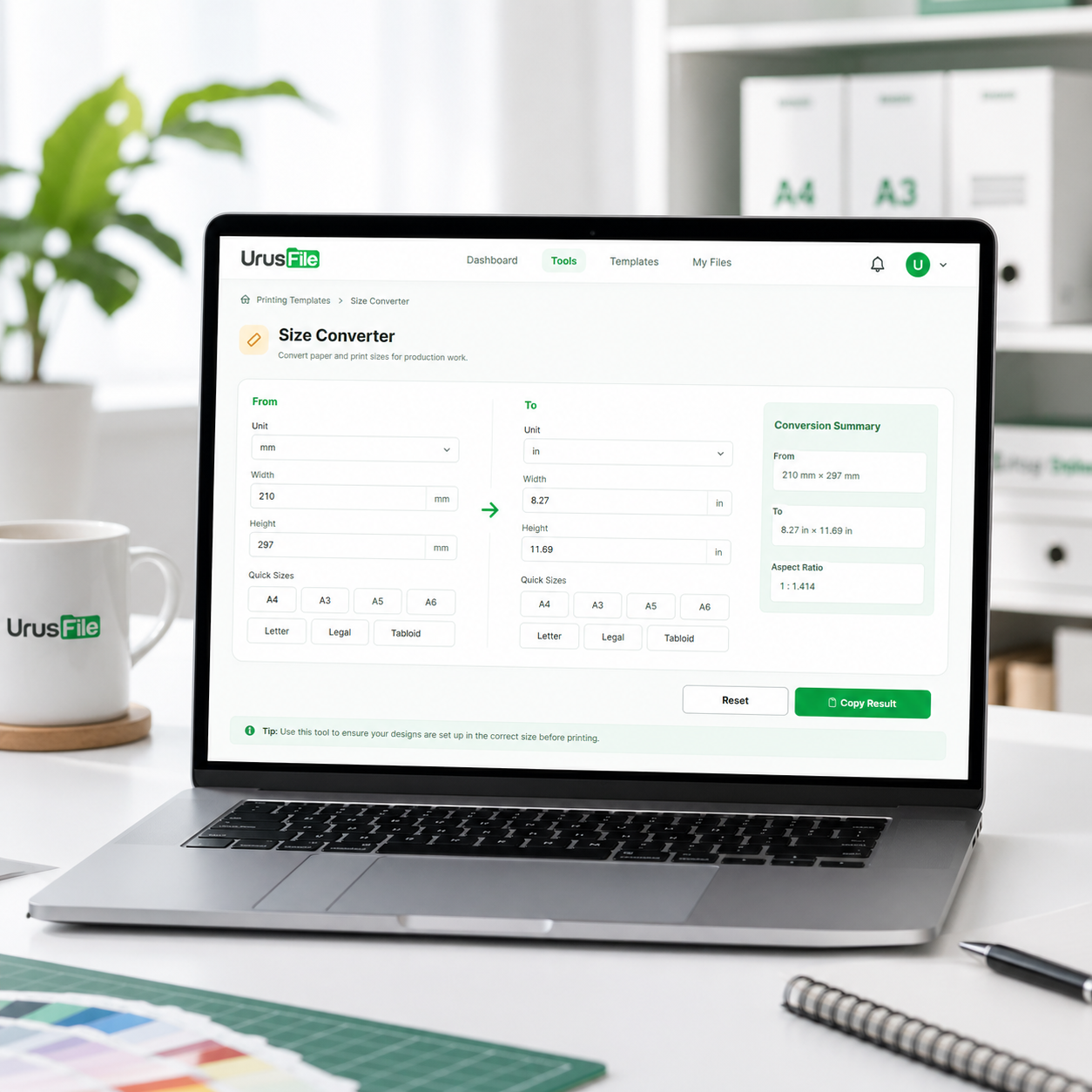
Convert paper and print sizes for production work.
Included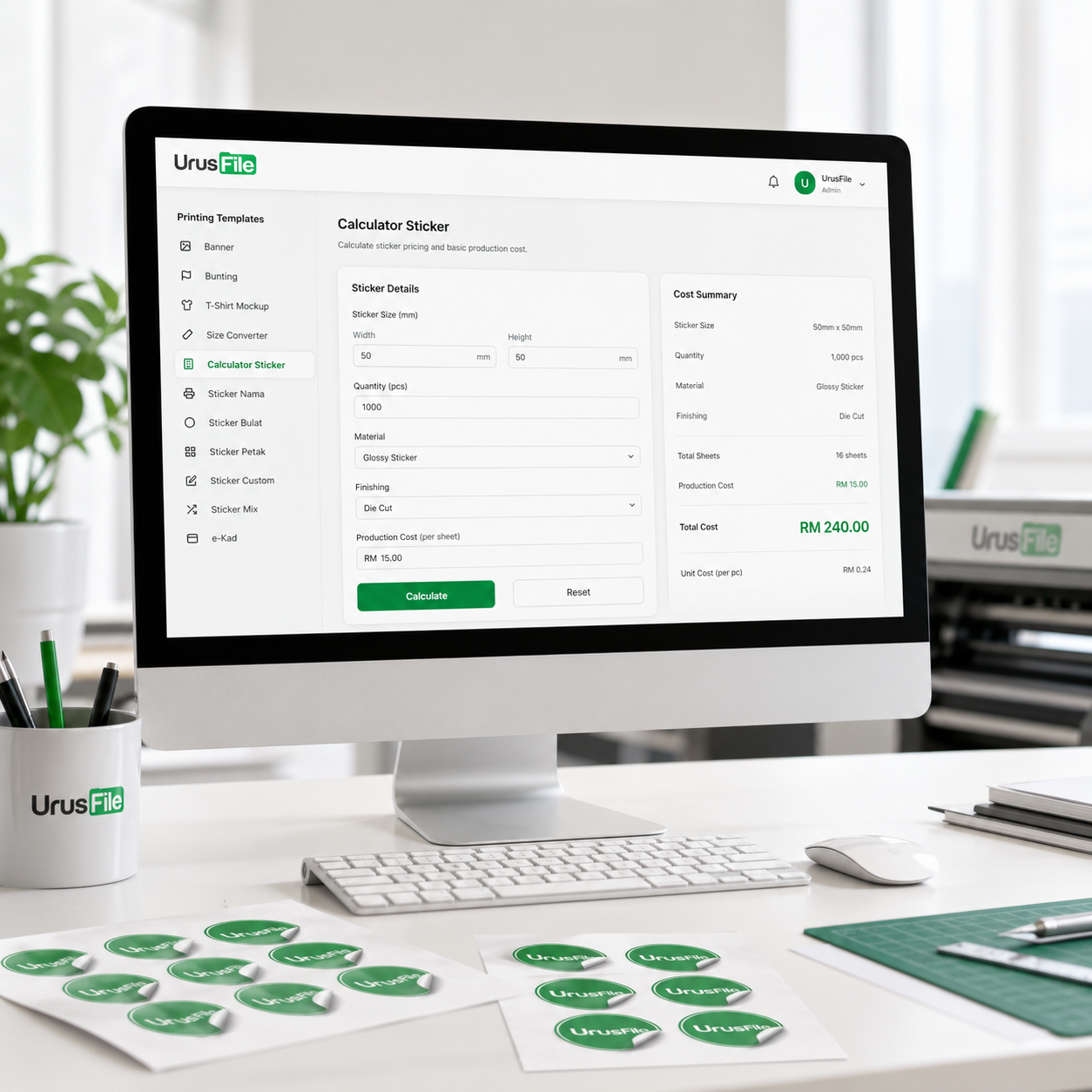
Calculate sticker pricing and basic production cost.
Included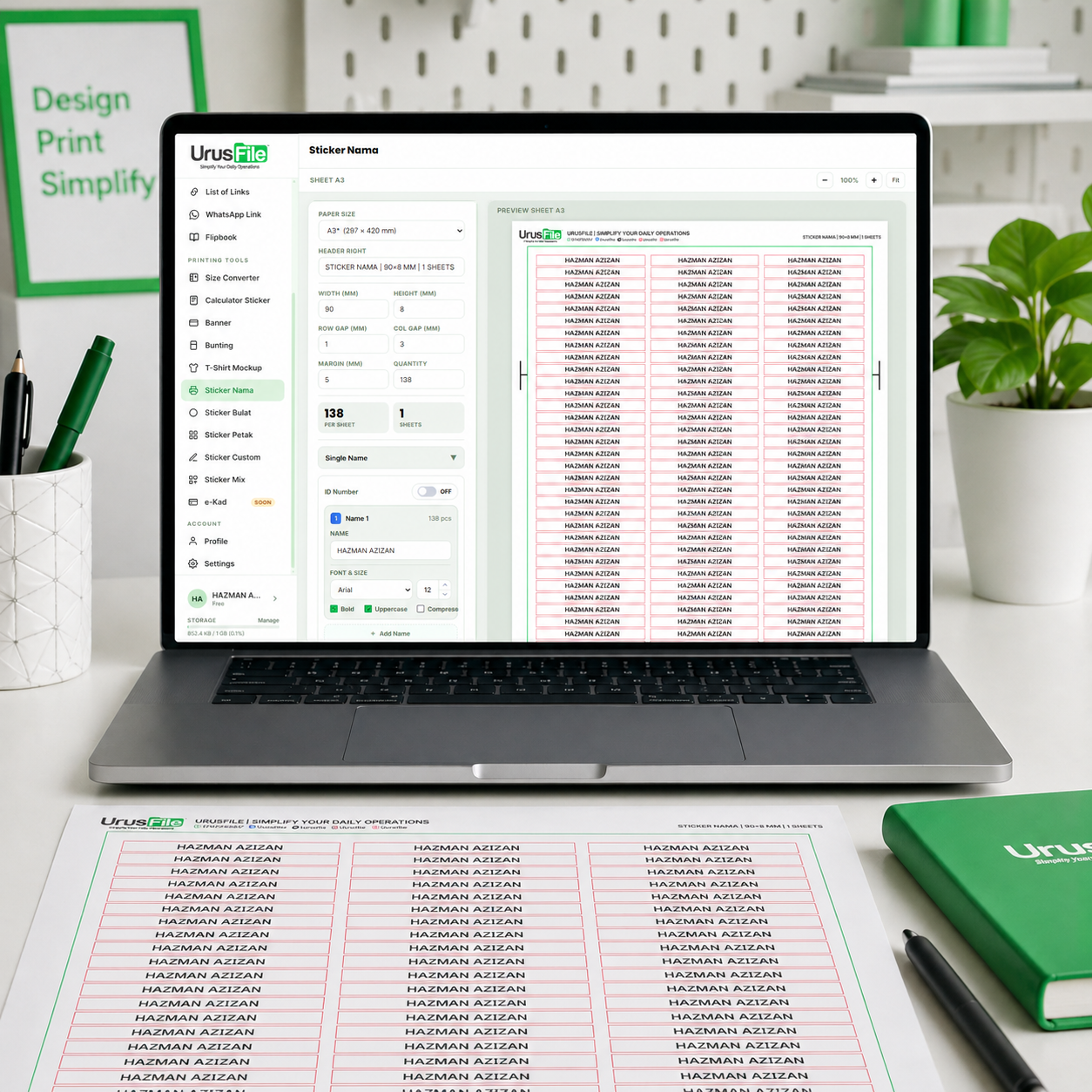
Create name sticker templates with custom designs.
Included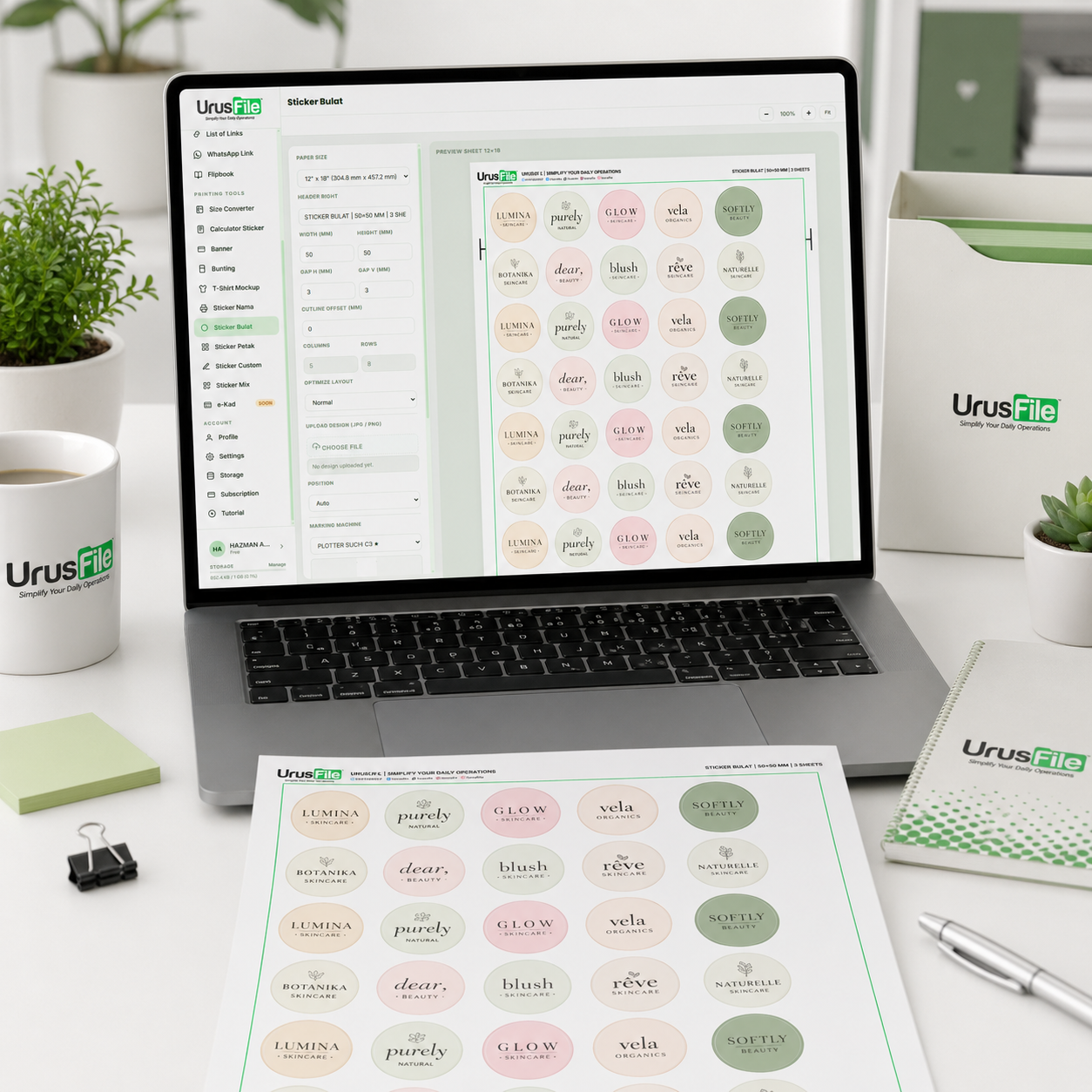
Create round sticker templates in various sizes.
Included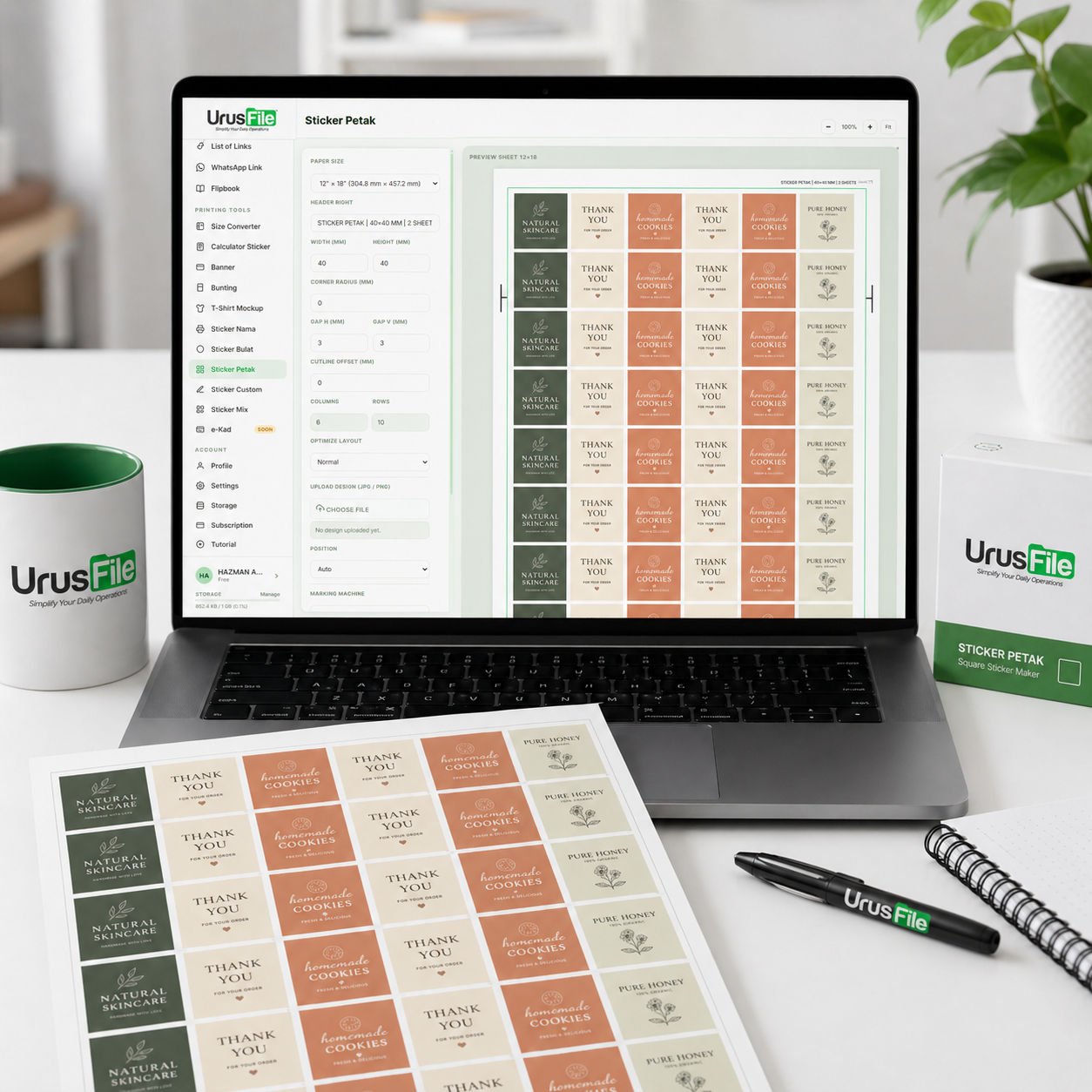
Create square sticker templates in various sizes.
Included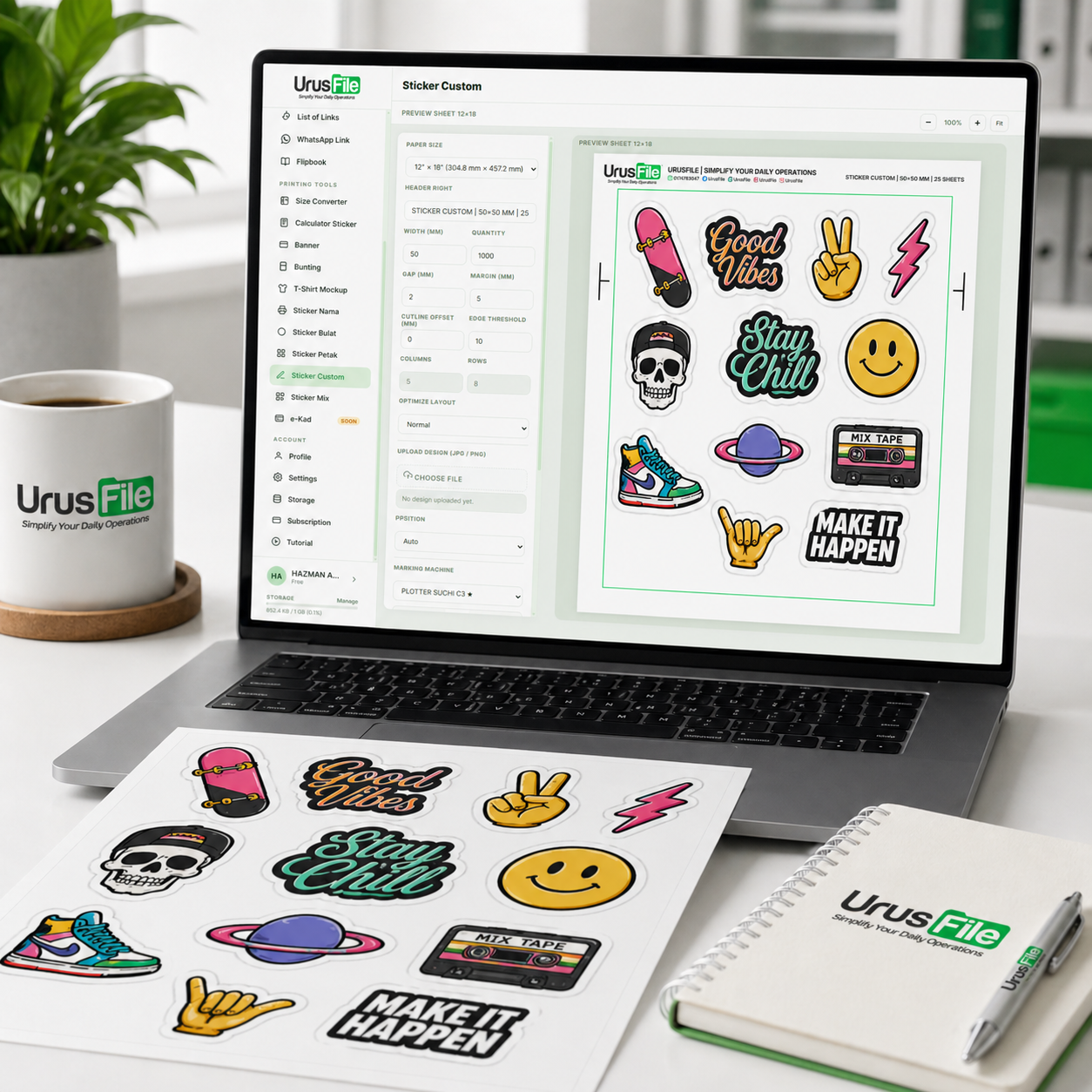
Arrange custom sticker artwork for print sheets.
Included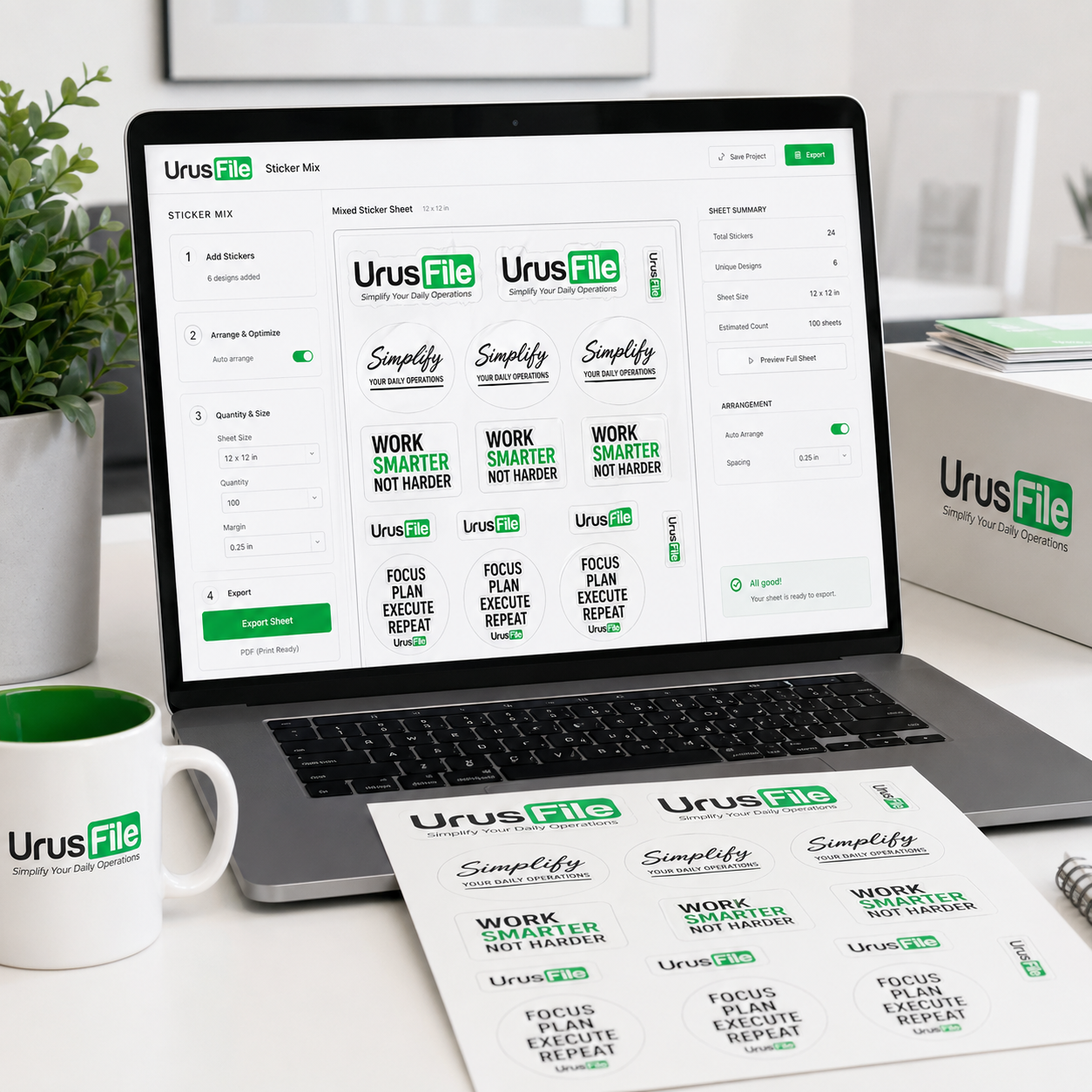
Combine multiple sticker designs into one production sheet.
Included
Create simple e-Kad designs for greetings, campaigns, and customer sharing.
Included
Arrange multiple designs inside one artboard or material size for cleaner production planning.
IncludedBecause delays happen when tasks, job status, files, chat, and printing tools live in too many different places. UrusFile keeps the daily workflow connected.
Owners and managers can see task priorities, job movement, and team updates without asking every department manually.
Every job has status, owner, notes, and next action, so the team can reduce forgotten updates and scattered communication.
The original printing tools stay as the core production advantage, now connected with workflow and job tracking.
Staff can discuss artwork, task changes, job issues, and internal updates without losing context across multiple apps.
UrusFile is focused on printing companies, especially businesses that need better control over task movement, job status, production communication, and printing output.
Printing companies can use UrusFile to manage tasks, track orders, access printing tools, share files, create links, and keep the team updated in one place.
Managers can monitor what is pending, what is delayed, who is responsible, and which job needs attention without depending on manual updates all the time.
Designers and production staff can receive tasks, update progress, discuss notes, access printing tools, and move jobs forward with clearer context.
Start with the full UrusFile ecosystem, remove modules you do not use, then add extra users or storage before starting your free trial.
Full package includes all modules, 10 user accounts, and 2GB storage. Untick any module your company does not need and the price will update automatically.
Clear answers before customers test the demo, start a trial, or activate a paid plan.
Yes. Customers can use the demo first to explore the system before creating an account or activating a paid plan.
No. UrusFile does not auto-deduct future payments. When the subscription expires, customers need to manually pay again to continue using the system.
The full UrusFile Pricelist package includes 10 user accounts. If your team needs more accounts, you can add extra users through the add-on options before or after subscribing.
Yes. Standard support is included. Teams that need onboarding, training, or dedicated support can request a custom setup arrangement.
Send your details and the UrusFile team can guide you based on your company size, number of staff, job tracking needs, task management flow, and printing tools usage.